Start here
Define the job before comparing the tools
Payment problems often appear as scattered exceptions: an order is paid but still on hold, a cancellation is fulfilled, a refund is issued twice, a payout cannot be tied to sales, or a customer sees an unfamiliar descriptor. The fix begins with one shared map of statuses and owners.
Use the processor as the source for payment events, the commerce platform as the source for the order, and the accounting system as the source for the financial close. Connections should carry evidence between them without making one successful screen the proof that every system updated.
The starting point
Write every payment and order status on one page. Define what it means, who can change it, which event causes the change, and whether fulfillment is allowed. Pay special attention to pending, authorized, captured, failed, cancelled, partially refunded, fully refunded, disputed, and payout states.
The process
Work through the decision in a sensible order
Make checkout failure easy to understand
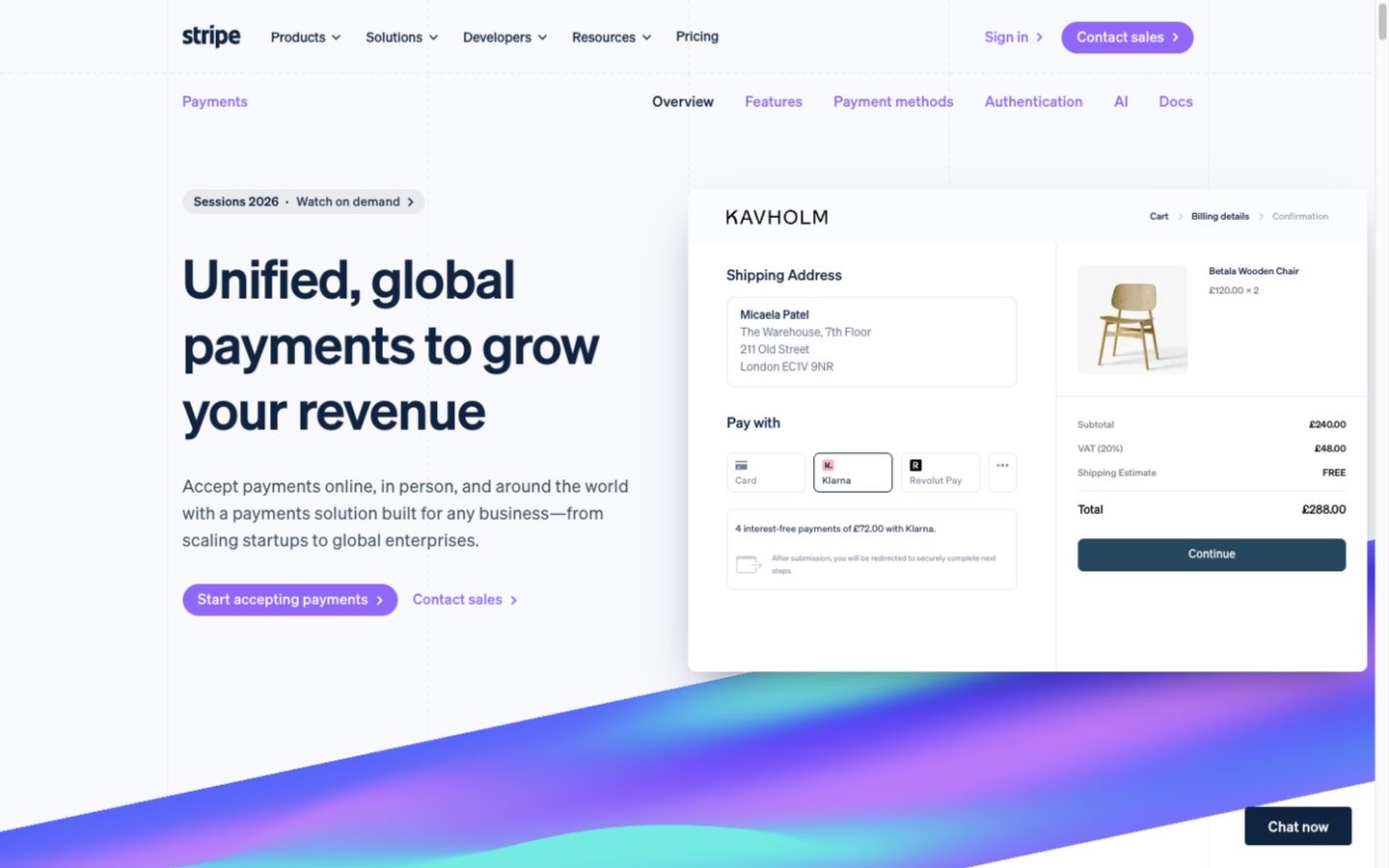
Offer the payment methods customers actually use, keep error messages useful without exposing sensitive details, and preserve the cart when a payment attempt fails.
- • Mobile checkout
- • Decline and retry
- • Duplicate-click protection
- • Taxes, shipping, and final total
Choose authorization and capture timing
Immediate capture is simpler. Separate authorization and capture can help when stock or fulfillment must be confirmed, but authorizations expire and amounts can change only within processor rules.
- • Capture trigger
- • Authorization window
- • Partial capture
- • Cancellation before capture
Update orders from verified events
Use authenticated processor events and idempotent handling so retries do not create duplicate orders, emails, shipments, or refunds. Keep failed events in a visible repair queue.
- • Verified event
- • Duplicate handling
- • Out-of-order event
- • Replay and repair
Gate fulfillment carefully
Define the exact payment states that release digital delivery, warehouse work, dropship orders, and high-risk shipments. A browser thank-you page is not enough proof of payment.
- • Release status
- • Fraud or manual hold
- • Order edit after payment
- • Cancellation race
Standardize refunds
Start refunds from the system that keeps the order record complete, require a reason, and prevent a second tool from issuing the same refund. Separate customer approval from financial completion.
- • Full and partial refund
- • Shipping and tax treatment
- • Inventory disposition
- • Processor result recorded
Own disputes and customer communication
Route dispute notices to a monitored team, preserve order and delivery evidence, and track response deadlines. Use a clear statement descriptor and support contact to reduce confusion.
- • Notification owner
- • Evidence location
- • Response deadline
- • Customer support path
Reconcile payouts, not only sales
Match gross sales, refunds, disputes, fees, reserves, adjustments, and net deposits to processor payouts and the bank. Investigate differences while the orders are still familiar.
- • Payout identifier
- • Gross-to-net detail
- • Bank match
- • Unresolved difference owner
Owner worksheet
Write down these decisions
| Item | What to record |
|---|---|
| Payment status | Its plain-language meaning, source event, order effect, fulfillment permission, and owner. |
| Exception queue | Failed event, duplicate attempt, unmatched order, expired authorization, failed refund, or missing payout item. |
| Sensitive action | Who can refund, capture, void, export, change bank details, or edit a payment integration. |
| Daily control | Orders with payment mismatch, failed events, refunds, disputes, and payout differences reviewed that day. |
| Monthly proof | Processor balances and activity tied to payouts, bank deposits, and the accounting ledger. |
Red flags
Slow down when any of these appear
- Fulfillment starts from a thank-you page instead of a confirmed payment event.
- Two systems or teams can issue refunds independently.
- Webhook failures retry silently without a repair queue.
- Captured, refunded, disputed, and paid-out are treated as the same status.
- Processor administrator access is shared or wider than necessary.
- Bookkeeping records only net bank deposits and cannot explain fees, refunds, or disputes.
Action plan
Turn the guide into a short piece of work
- Map payment, order, fulfillment, refund, dispute, payout, and accounting states.
- Choose the one event that releases each kind of fulfillment.
- Test verified events, duplicate delivery, delayed delivery, and recovery.
- Give refunds and disputes a single owner and documented path.
- Build a daily exception check and a payout-level reconciliation.
- Repeat failed, cancelled, partial, and disputed scenarios before peak season or a processor change.
Editorial method
How this guide was prepared
Commerce Stack Guide reviewed the official sources below and translated the decision into a small-business workflow. The guide does not claim hands-on testing and does not replace accounting, legal, privacy, security, or other professional advice where those reviews are needed.
Product prices and limits change. Use the worksheet to verify current details with representative data and a reversible test before committing.
Sources