ShipWorks
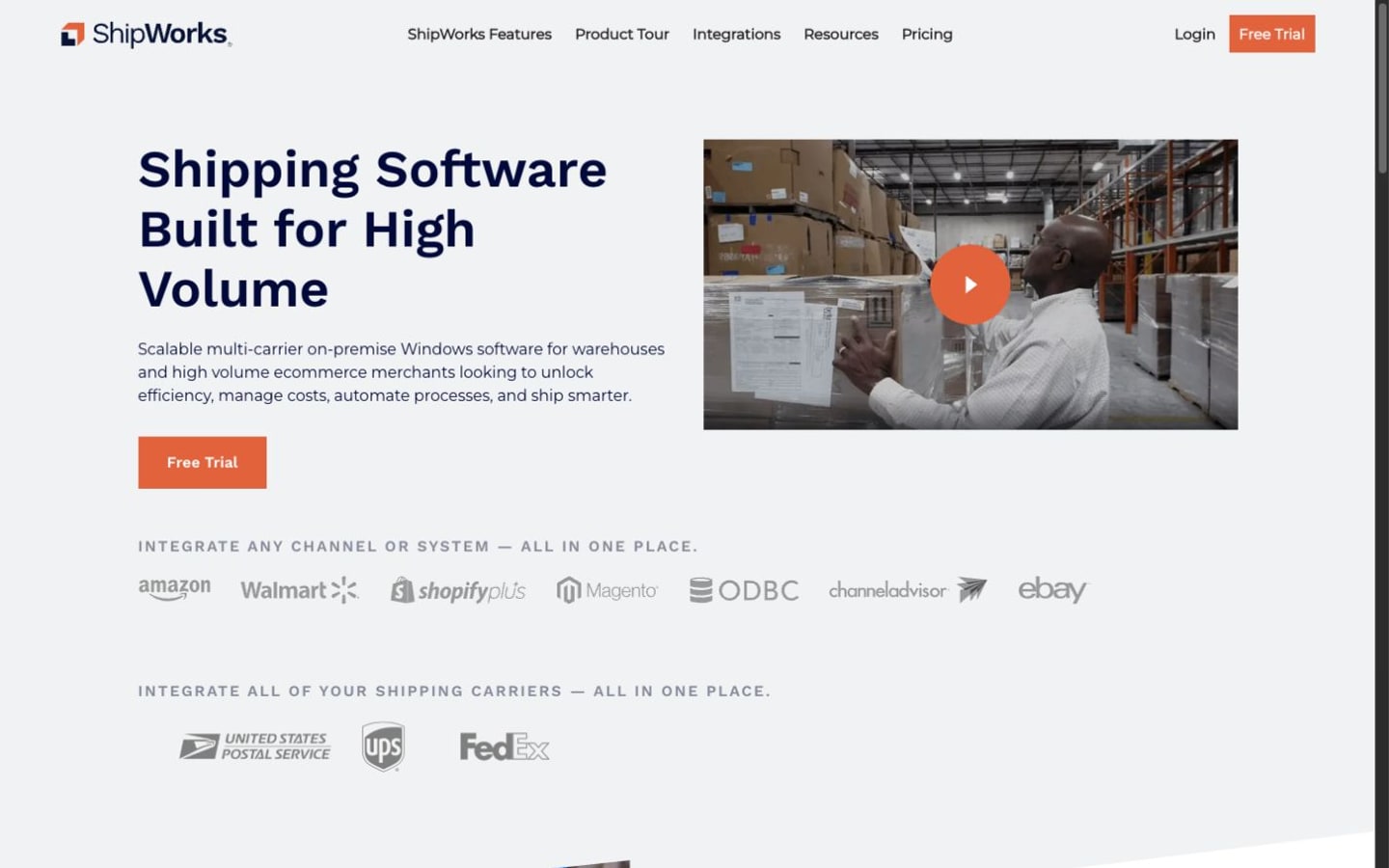
Desktop-centered shipping platform for high-volume label processing, automation, carrier connections, and warehouse shipping stations.
Last reviewed: 2026-07-22
Overview
ShipWorks combines a browser-accessible Hub for locations, carriers, routing, inventory, and order visibility with a Windows client for processing orders and printing labels. It can sit downstream of storefronts and marketplaces or alongside a WMS or ERP, but it still depends on configured order sources, carrier services, printers, and suitable workstation and network infrastructure.
Best for
Higher-volume fulfillment teams that want fast Windows-based shipping workstations and configurable local workflows.
Not ideal for
Mac-only or browser-only teams, very small shippers, or merchants seeking a lightweight mobile-first tool.
Implementation considerations
Review these dependencies before choosing a plan or committing to a rollout.
- 1Set up each ship-from warehouse, carrier account, sales channel, order source, and routing rule before configuring the label workflow.
- 2Install the Windows client on shipping workstations, configure printers, and confirm that the current operating system and hardware meet ShipWorks' requirements.
- 3For multiple stations or higher order volumes, review database, storage, network, backup, and SQL requirements with ShipWorks rather than assuming a single-PC setup will scale unchanged.
- 4Use guided onboarding to test imports, carrier settings, routing, automation rules, label output, and tracking updates with representative orders before launch.
Key features
Integrations
Confirm current integration depth with the vendor before buying. Listed integrations are a starting point for research, not a complete implementation guarantee.
Pricing summary
Published subscriptions are split between ecommerce and warehouse tiers with monthly shipment allowances, while higher-volume enterprise plans are custom. Carrier, postage, infrastructure, and optional service costs are separate.
What changes the total cost
- The ecommerce or warehouse subscription tier and its monthly shipment allowance.
- Enterprise scoping when shipment volume exceeds the published self-serve tiers or operations need custom configuration.
- Postage, carrier services, insurance, adjustments, and other transaction costs that sit outside the software subscription.
- Workstations, server or SQL needs, printers, integrations, implementation, training, and other operational infrastructure.
Free trial
Yes
Free plan
No
Research sources
This profile is based on current vendor-published product, pricing, and help documentation. Commerce Stack Guide has not claimed hands-on testing of this software.
Pros and cons
Pros
- Built for high label throughput
- Powerful local automation
- Supports multiple selling channels
Cons
- Windows desktop dependency
- No permanent free plan
- Setup can be more technical than browser-first tools
Related alternatives research
Moderated user-submitted opinions
User reviews of ShipWorks
No reviews have been published yet. Submissions require sign-in and private human moderation before anything can appear here.
Write a review